How Phygitals works, step by step
How Phygitals works, from adding money and choosing a pack to its trade-in offer, the vault and shipping, from our tests on its website and in its iPhone app.
Updated

Step by step
-
Start with an account
You buy packs through a Phygitals account, on its website or in its iPhone app. We used one account for both in our test.
-
Add money
Add money by card, Apple Pay or Google Pay. A service fee is charged on the money you add.
-
Choose a pack
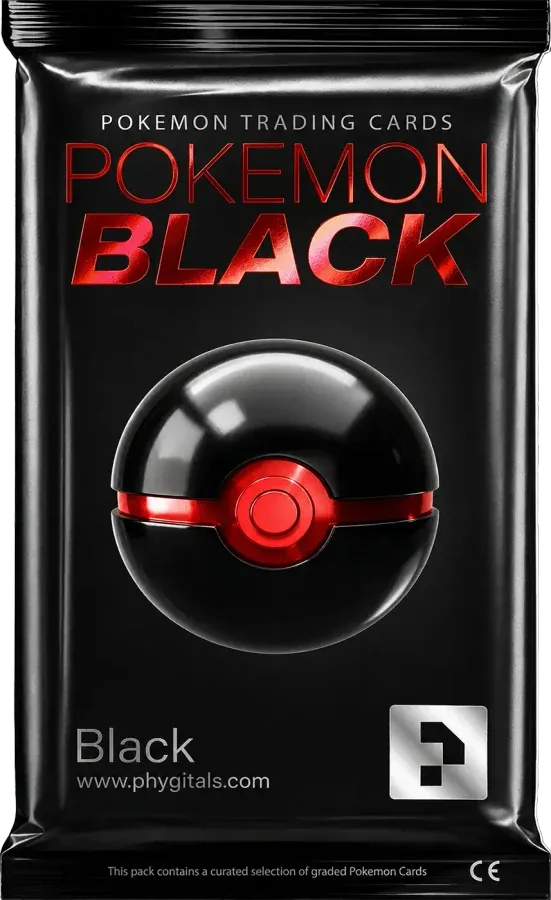
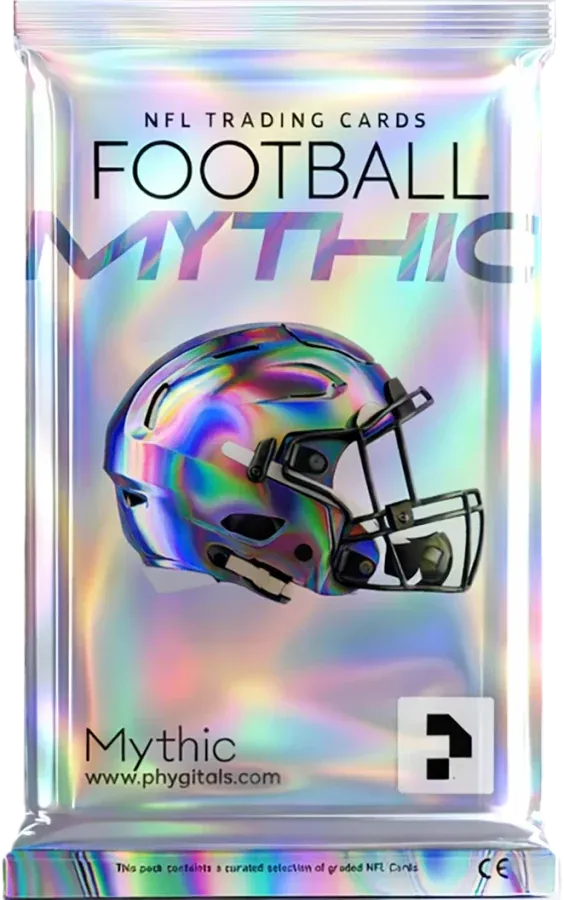
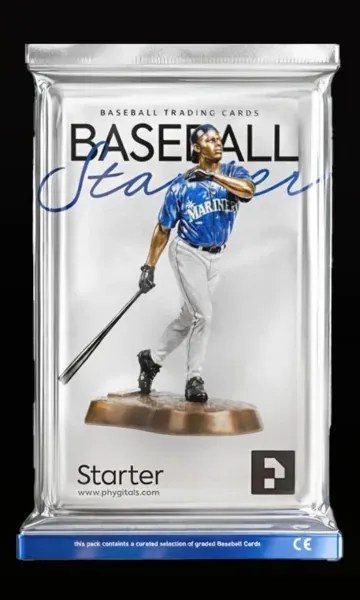
Pick a pack for the cards you collect. Each pack page shows its value ranges, how often each range comes up and the trade-in share for that pack, so read it before you pay.
-
Open it
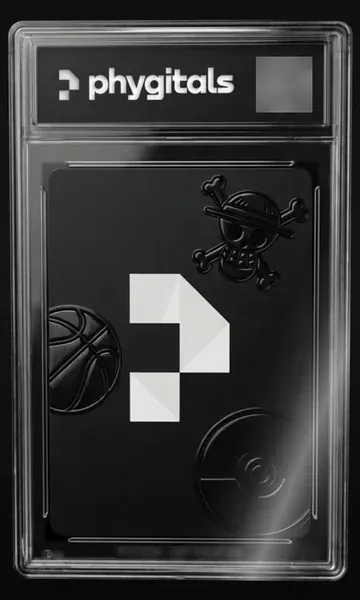
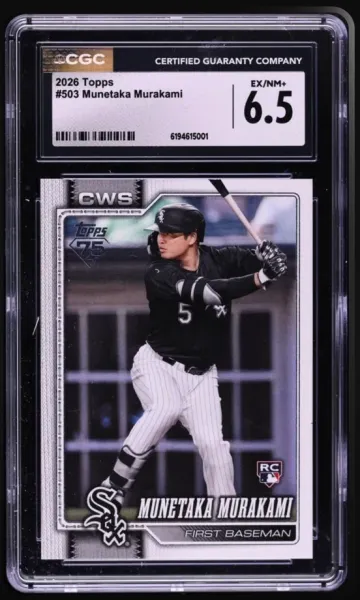
Pay for the pack and open it. On rip sites the card is assigned when the purchase goes through, and the reveal only shows it. The app first shows the card sealed in its slab, then the card itself when you open it.
-
Weigh the trade-in offer
As soon as the card shows, Phygitals offers to buy it back at once for a share of its listed value. The share is set by pack and shown on its pack page: 85% or 100% in our test.
-
Keep it in the vault
If you turn the offer down, the card stays in Phygitals' vault. You can ask for it to be shipped when you want it.
-
Ship it home
Ask for the card to be shipped from the vault. The site shows a processing estimate for each of its three vaults, and our cards shipped within days of the order.
Screenshots taken by Rip.fan in the Phygitals app, October 14, 2026.
Key facts
| Packs from | $5 |
|---|---|
| Payment | Card, Apple Pay and Google Pay |
| Trade-in offer | In our test, on its website and in its iPhone app, each card came with an instant offer to buy it back as soon as its pack opened, or the choice to keep it in the vault. The offer was 85% of the card's listed value on five graded cards and 100% on two Pokémon cards: the share differed by pack. |
| Shipping and storage | Our cards shipped within days. The site shows a different processing estimate for each of its three vaults, and the estimate for the Alt vault was accurate in our test. |
Phygitals is an online shop for vaulted physical cards, graded and raw, sold in packs on its website and in its iPhone app. You add money, choose a pack and open it, and in the app a sealed slab shows before the card. Then you sell the card back for the instant offer, or keep it in the vault and have it shipped later.
What does a Phygitals pack hold?
Each pack we opened gave one card from the pack’s card pool, the list of cards that can still come out of it. Its pack list runs across Pokémon, One Piece, Yu-Gi-Oh!, Dragon Ball and Riftbound, packs of baseball, basketball, football and soccer cards, and mixed sports packs. Our pages on Pokémon card rips, One Piece card rips and sports card rips set Phygitals beside the other sites we list for those games and sports.
Of the seven packs our test records there, six gave a graded card sealed in a slab, and one gave a raw card. The two packs we opened in the app, the Baseball Starter and the Pokémon Rookie, carry art saying they hold graded cards, so check what a pack says if a slab matters to you. Our guide to slab packs explains how a one-slab pack and its pool work.
How do its value ranges work?
Each pack page splits the pool into value ranges, from the lowest card values to the highest, and gives how often each range comes up. Those shares are the pack’s card rates. Most packs had four ranges, a few had two, three or five, the shares always added up to 100%, and the lowest range came up most often.
The same page shows the share of a card’s listed value the site offers to buy it back for. A pool changes as packs are opened, so read the page on the day you buy. Our pack explorer shows what Phygitals published for each pack.
What are your choices after a card opens?
As soon as the card shows, you get two choices, on the website and in the app alike. You can take the instant trade-in offer and sell the card back at once for the amount shown, or keep the card in the vault and ask for shipping later.
The offers we saw were 85% of the listed value on five graded cards and 100% on two Pokémon cards, and each matched the share its pack page showed. Our guides to judging an instant trade-in offer and to keeping a card in the vault or shipping it home cover how to choose between the two.
How long does shipping take?
Our cards shipped within days of each order, and the estimate shown for its Alt vault proved accurate. Rips by Triumph is the only other site we tested that shipped our cards that fast. Our guide to shipping a graded card home covers what to check before you pay for shipping and when the card arrives.
What did our test cover?
We used Phygitals on our own account, on its website and in its iPhone app. We added money, which carried a service fee, bought packs, looked at the trade-in offer on each card and had cards shipped. By our count, we have opened 599 packs there. Our scores and every pack we opened are in the Phygitals review.
Frequently asked questions
How does Phygitals work?
Add money, open a pack, then decide on each card: take the instant offer or keep it in the vault to ship later. In the app a sealed slab appears before the card.
Does Phygitals show what a pack holds before you buy?
Yes. Every pack page lists its value ranges, how often each one comes up and the pack's trade-in share.
How much does Phygitals offer to buy a card back?
A set share of the card's listed value, from 85% to 100% depending on the pack.
How long does Phygitals take to ship cards?
Ours left the vault within days. Each of its three vaults gives its own processing estimate.
Does Phygitals charge a fee to add money?
Yes, a service fee, shown on its own line before you confirm.
Does Phygitals have an app?
Yes, an iPhone app with the same packs and the same two choices after each card.